
GRAB&DAB
How To Charge GRAB&DAB 2G DISPOSABLE VAPE
Dec
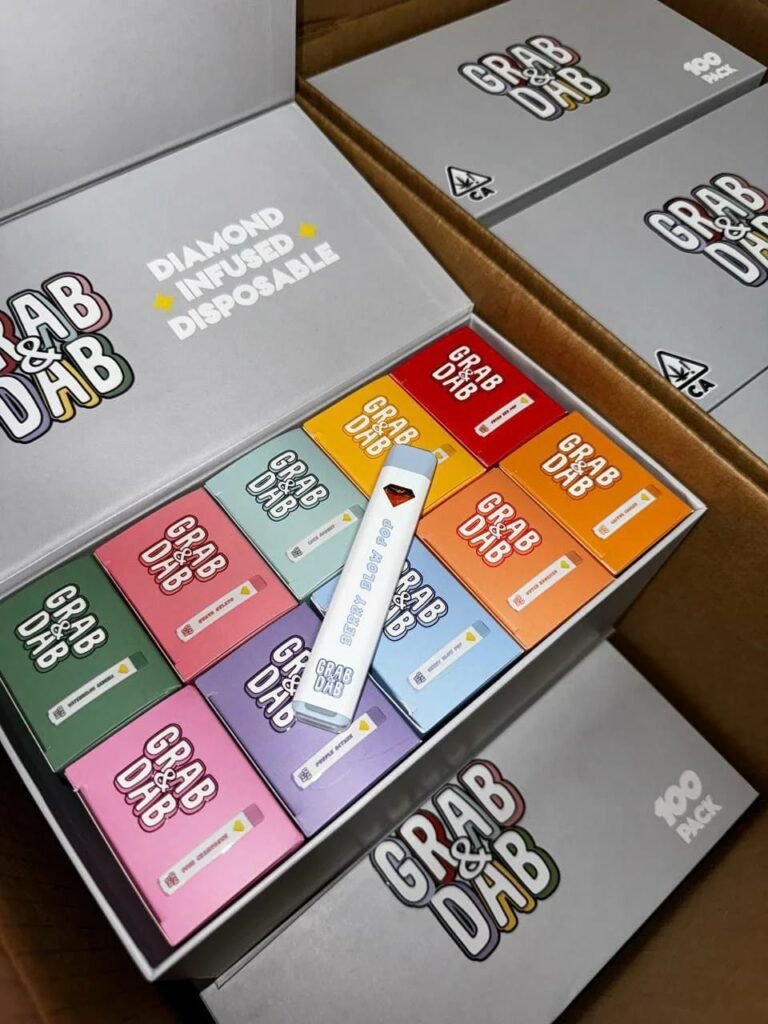
If you’re rocking a GRAB&DAB 2G Disposable Vape and wondering how to keep it powered up, you’ve come to the right place. While most disposable vapes are designed for one-time use, the GRAB&DAB 2G model is actually rechargeable, making it a more eco-friendly and cost-effective option. In this guide, I’ll walk you through the process safely and effectively. Let’s dive in!
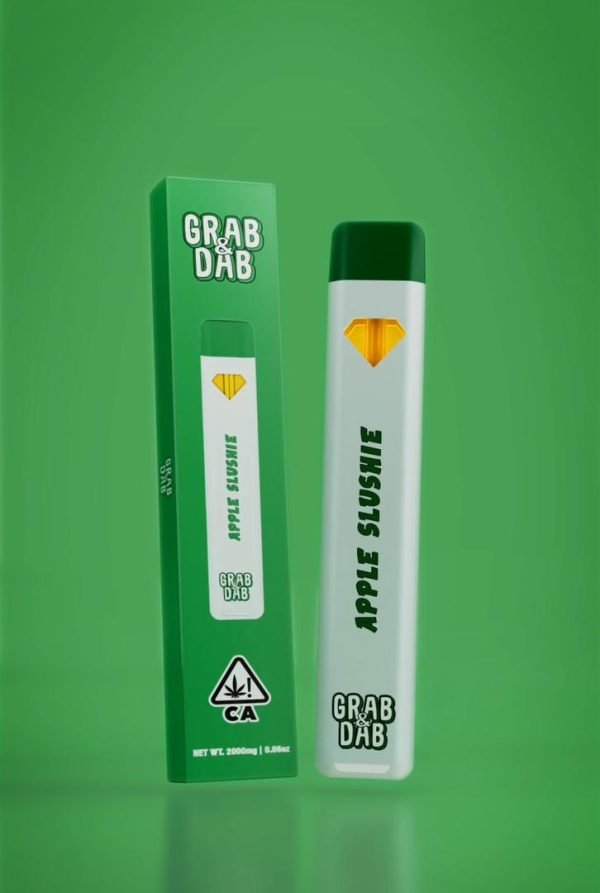
Before we get to charging, a quick overview: The GRAB&DAB 2G is a compact, pre-filled disposable vape pen loaded with 2 grams of premium THC distillate (or other concentrates, depending on the variant). It’s built for on-the-go vaping with a sleek design, LED indicator, and a 650mAh battery. Unlike true disposables, this one supports recharging via USB-C, so you can extend its life beyond the initial charge.
Key Specs:
- Battery: 650mAh rechargeable lithium-ion
- Capacity: 2g of e-liquid
- Charging Port: USB-C
- Full Charge Time: About 1-2 hours
- Usage: Draw-activated, no buttons needed
What You’ll Need
- Your GRAB&DAB 2G Disposable Vape
- A USB-C cable (included with most models; if not, any standard one works)
- A USB wall adapter or power bank (5V/1A recommended for safety)
- Optional: A phone charger or computer USB port
Step-by-Step Charging Instructions
Follow these steps to charge your vape safely. Always use the original charger or a compatible one to avoid damage.
- Check the Battery Level: Before plugging in, take a puff or two. The LED light will flash to indicate the battery status:
- Solid light: Fully charged
- Flashing: Low battery (time to charge!)
- No light: Dead battery
- Locate the Charging Port: Flip your vape over. You’ll see a small USB-C port at the bottom. It’s usually covered by a rubber plug—remove it gently.
- Connect the Cable: Plug one end of the USB-C cable into the vape’s port. Connect the other end to your power source (wall adapter or power bank). Ensure the connection is secure to avoid interruptions.
- Start Charging: Once connected, the LED will light up steadily (usually red or white) to show it’s charging. Avoid using the vape while it’s plugged in to prevent overheating or battery strain.
- Monitor the Process: Charging typically takes 1-2 hours for a full cycle. The light may change color or turn off when complete—refer to your model’s manual for specifics. Never leave it unattended for extended periods.
- Disconnect and Test: Once charged, unplug the cable and replace the rubber plug. Take a test draw to confirm it’s working. If the battery drains quickly, it might be time for a replacement.
Safety Tips to Avoid Mishaps
- Use Compatible Chargers: Stick to 5V/1A adapters. Higher voltages can overheat the battery and cause leaks or explosions.
- Charge in a Cool, Dry Place: Avoid direct sunlight, heat sources, or humid environments. Lithium-ion batteries don’t like extremes.
- Don’t Overcharge: Unplug after it’s full to prolong battery life. Overcharging can degrade the cells.
- Store Properly: If not using for a while, keep it at 50-70% charge in a cool spot.
- When to Replace: If charging becomes inconsistent or the vape stops working after multiple charges, it’s likely time for a new one—disposables aren’t meant for indefinite reuse.
Common Troubleshooting
- Not Charging? Check the cable and port for debris. Try a different USB source.
- LED Not Lighting? Battery might be completely dead—let it charge for 30 minutes before checking.
- Overheating? Disconnect immediately and let it cool. This could indicate a faulty battery.
Final Thoughts
Charging your GRAB&DAB 2G Disposable Vape is straightforward and can save you money by reusing the device. Just remember, while it’s rechargeable, it’s still a disposable in spirit—don’t expect it to last forever. If you’re new to vaping, always check local laws and vape responsibly. Got questions? Drop a comment below!
